Beach Bonfire Party: How to Collect Photos After Dark
Plan a beach bonfire party with low-light photo tips, a full activity checklist, and a shared gallery so every guest's candid shots end up in one place.
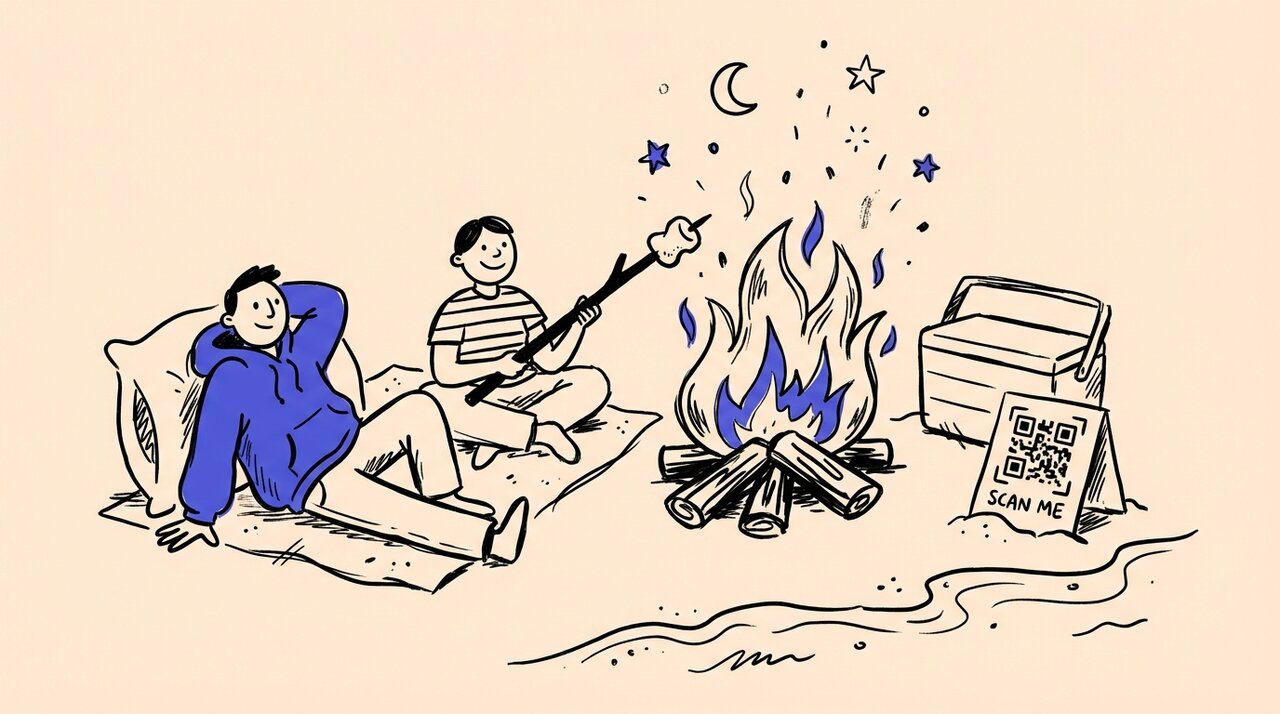
Short answer: Separate the moment from the upload. Have guests scan a QR code when they arrive, then put phones away. Everyone uploads their bonfire photos later, from the car or the next morning. You get candid sunset shots, firelit portraits, and group photos without turning the night into a content shoot.
- Place a printed QR code on a cooler or sign so guests can scan once at arrival
- Encourage photos during blue hour and early dusk, when phone cameras perform best
- Let uploads happen after the event, not in real time on a dark beach
- Use custom tags in your shared gallery to sort sunset, bonfire, and group shots
Who This Is For (and Not For)
A beach bonfire party works well if you want a relaxed coastal gathering that does not need a venue, a catering order, or a detailed schedule. It is a strong format for summer birthdays, end-of-season hangs, friend reunions, fireworks-night watch parties, or any “let’s do something outside” plan. (Hosting a bonfire on July 4, 2026? Pair this with our 4th of July 2026 party planning checklist for fireworks timing, food quantities, and sparkler safety.)
- Hosts who want a low-cost gathering with built-in atmosphere (fire, ocean, sunset)
- Friend groups or families that enjoy cooking together, even if it is just marshmallows
- Anyone who has tried to collect event photos through a group chat and lost half of them
It is not the best fit for large formal events or groups who want everything planned to the minute. For a daytime version of this vibe, see Park Picnic Ideas .
Planning Your Beach Bonfire Party
Start with three non-negotiable checks before you invite anyone.
Check Beach Fire Rules First
Not every beach allows open fires, and many that do restrict them to designated pits. Rules vary by county and season. Check your local beach’s official page or parks department site before you commit. The Los Angeles County beach fire pit page shows typical regulations: designated pits only, no fires on open sand, and specific hours.
Arrive Before Sunset
Get there 45 minutes early. This gives you time to claim a spot, arrange chairs in a half-circle, and get the QR code signs in place while there is still light. The best bonfire photos happen during blue hour, the 20 minutes after sunset when you still get sky color and warm faces.
Keep the Guest List Manageable
A standard fire pit comfortably fits 8 to 15 people. Smaller groups mean more conversation, better photos, and everyone close enough to the fire to be lit well.
Beach Bonfire Activity Checklist
These activities create natural photo moments without forcing anyone into “content mode.” Run them roughly in this order, adjusting based on sunset timing and your group’s energy.
Setup (45 minutes before guests arrive)
- Claim the fire pit and arrange chairs or blankets in a half-circle
- Light the fire or prep charcoal per beach rules
- Place two QR code signs: one on the cooler, one clipped to a chair or lantern
- Set out a battery pack with charging cables
Arrival and scan (sunset)
- Ask guests to scan the QR code once while there is still signal
- One sentence: “Scan now. Upload your photos tonight or tomorrow.”
- Take one wide group shot while the sky still has color
Blue-hour blanket setup (sunset + 10 minutes)
- Everyone claims their spot with blankets, camp chairs, and extra layers
- This is the best window for wide-angle group shots and candid portraits
Foil-packet dinner (early dusk)
- Set out 2 to 3 options guests build themselves: shrimp and sausage with corn, potato and onion with butter, or veggie fajita packets
- Hands building packets and steam when opened photograph well
- For a tested recipe, REI’s shrimp boil foil packet guide is a solid starting point
Glow bocce or night petanque (full dark)
- Bring LED bocce balls or clip glow bracelets to standard balls
- Gets people moving beyond the fire circle, which creates action shots in the sand
S’more flight tasting (full dark)
- Offer three versions: classic milk chocolate, dark chocolate with flaky salt, and peanut butter cup with banana slice
- Comparing, melting, and reaction shots happen naturally
Thermos hour and story relay (mid-evening to close)
- Pour cocoa, cider, or coffee into enamel mugs (steam and warm hands make great photos)
- Start a story relay: one person says one sentence, each person adds a line
- Creates real expressions: laughing, pointing, mock-serious faces
Final reminder and cleanup
- Host says: “Upload your photos tonight or tomorrow morning”
- Check the QR sign is still visible for last-minute scans
- Douse the fire per local rules, sweep trash, and do a gear check
How to Get Good Bonfire Photos on a Phone
Bonfires have specific challenges: bright flames next to dark backgrounds, moving subjects, and salt air on the lens.
Shoot during blue hour. The 10 to 20 minutes after sunset give you ocean, sky, and firelit faces in one frame. Once full dark arrives, you lose the background.
Use the main lens. On every major phone, the main camera is the most reliable in low light. Ultra-wide and telephoto lenses lose quality first. Stick to 1x for groups. Move closer instead of zooming.
Tap faces, not flames. Phone cameras expose for whatever you tap. Tap a person’s face, then drag exposure down slightly if flames are blowing out.
Hold still until capture finishes. Night mode takes longer exposures, sometimes 2 to 3 seconds. Any movement creates blur.
Wipe the lens constantly. Salt air, sunscreen, smoke, and marshmallow residue create haze fast. Keep a microfiber cloth in a zip bag.
Skip the flash. Flash kills the warm firelight mood. Let night mode do the work. For a deeper primer, Photography Life’s low-light guide covers the fundamentals well.
Five Bonfire Shots Worth Taking
- Blue-hour wide group shot before full dark, while the sky still has color
- Roasting close-up with hands, stick, and marshmallow, fire blurred behind
- Blanket portrait of two people wrapped in one blanket, fire off to the side
- Thermos pour of cocoa or cider into enamel mugs, steam visible
- End-of-night wide scene with chairs, lanterns, embers, and people as silhouettes
How Gather Shot Fits Into This
Gather Shot is a photo sharing platform for events, and a beach bonfire is one of those gatherings where the usual photo-collection methods fall apart. Group chats get buried, and asking people to email photos never happens.
Print a QR code and place it somewhere visible, like taped to a cooler lid or clipped to a lantern post. Guests scan it once when they arrive using Effortless Event Photo Collection , which opens in their browser with no app download. They take photos throughout the night and upload later when they have a solid connection.
After the bonfire, use Smart Media Management to tag photos by moment: sunset shots, fire portraits, group candids, food close-ups. Your gallery is sorted by the time you share it, not dumped into one pile.
Gather Shot works well for beach bonfires because it does not require real-time uploads. The photos land in one shared gallery instead of scattered across six phones and three messaging apps. If you are curious about why guests don’t share photos after events, the biggest reason is friction. Removing the app download solves most of it.
What to Pack for a Beach Bonfire Party
Fire and cooking: Firewood or charcoal per beach rules, lighter and backup, foil, tongs, heat-resistant gloves, skewers, and s’more ingredients.
Comfort: At least two extra blankets, camp chairs, extra layers for wind, a thermos with cocoa or cider, and enamel mugs.
Photos and sharing: 2 printed QR code signs (matte finish, not glossy, since glossy reflects lantern light), a short URL printed under the QR as backup, 2 battery packs, 3 short charging cables, a microfiber cloth in a zip bag, and 1 warm LED lantern next to the QR sign.
Cleanup: Trash bags, water or sand bucket for dousing the fire per local rules, and a bag for recycling.
Frequently Asked Questions
How do you collect photos from a beach bonfire when there is no WiFi? Have guests scan the QR code when they arrive, while they still have cell signal. They take photos throughout the night and upload later from home or the car. Gather Shot does not require real-time uploads, so poor beach signal is not a problem.
What is the best time to take bonfire photos on a phone? Blue hour, the 10 to 20 minutes after sunset. You get warm firelight on faces with enough ambient sky light to keep the background visible.
Do you need a permit for a beach bonfire? It depends on the beach. Many restrict fires to designated pits with specific hours. Always check your local parks department page before planning.
How many people can sit around one fire pit? A standard beach fire pit fits 8 to 15 people in a half-circle. Larger groups need a second pit or a wider blanket layout.
What food works best for a beach bonfire? Foil packets are the most practical option because guests build their own and cook them directly on coals. S’mores are the classic dessert. Avoid anything that needs a cutting board or heavy prep.
Can guests upload bonfire photos to Gather Shot without downloading an app? Yes. Gather Shot is a photo sharing platform for events that runs in the browser. Guests scan a QR code with their phone camera, and the upload page opens directly. No app store, no account, no login.
Summary & Next Steps
A beach bonfire party works because the setting does the hosting for you. Keep the plan loose, arrive for blue hour, and give guests one easy way to share photos after the night is over. For more on getting guests to upload photos to a shared gallery , that guide covers the full range of options. You can also explore our party photo sharing guide for more ways to collect group photos at outdoor gatherings. Now pick a beach, check the fire rules, and set a date.
Written by
Gather Shot TeamThe Gather Shot team writes guides, planning resources, and product updates that help event hosts and photographers collect guest photos without asking anyone to download an app.
Related articles
More practical guides selected from the same event photo sharing topics.
U.S. Open Tennis Party: Food, Drinks, Decor & Games
Plan a U.S. Open tennis party with Honey Deuce drinks, a mocktail recipe, easy food, games, themes, decorations, invitation tips, and a host timeline.
Aug 19·13 min read
Church Fall Festival Ideas: Games, Booths, and Planning
Use these church fall festival ideas, a planning timeline, and an all-ages activity lineup to welcome families without exhausting your volunteer team.
Aug 17·12 min read
Halloween Photo Scavenger Hunt: 30 Prompts
Plan a Halloween photo scavenger hunt with 30 prompts for parties, offices, and neighborhoods, plus setup, safety, team formats, awards, and QR sharing.
Aug 17·13 min read