Family Reunion Photo Sharing: Collect Every Memory with QR Codes
Set up family reunion photo sharing with one QR code, holiday photo prompts, help for relatives without smartphones, and clear rules for sharing family photos.
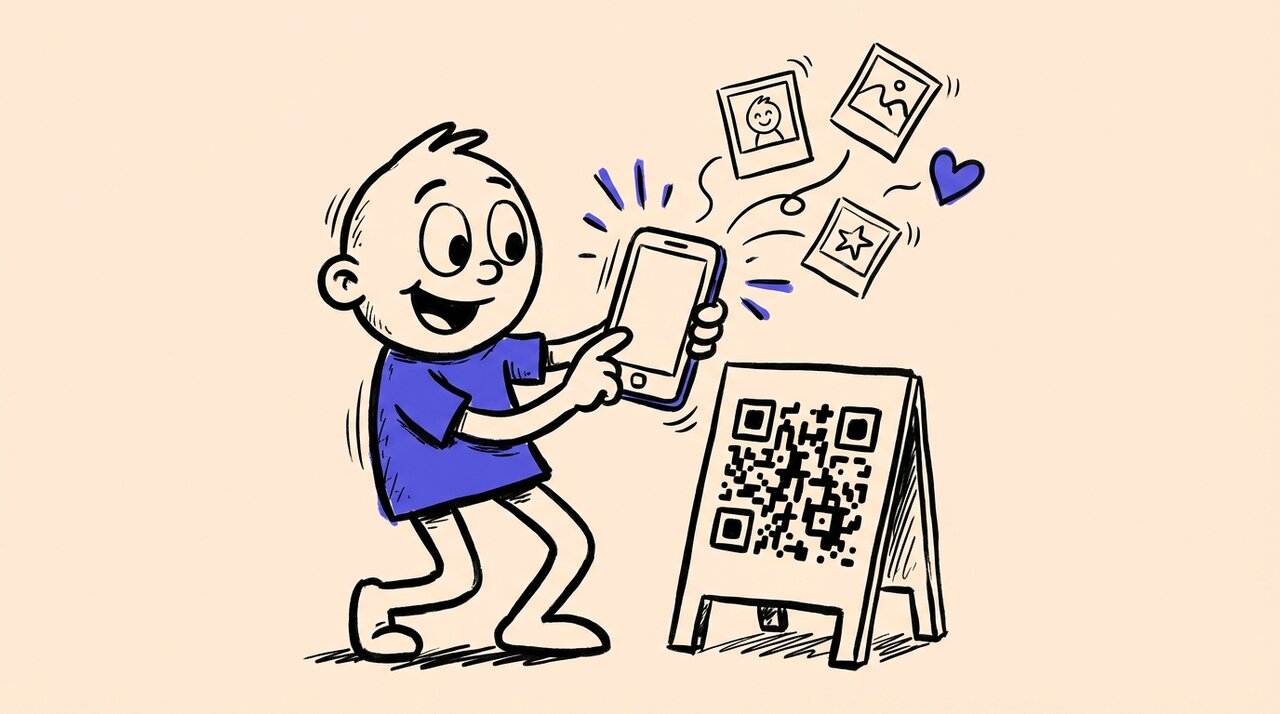
Short answer: To set up family reunion photo sharing with a QR code, create an event in a photo sharing platform, print the QR code on signs placed throughout your venue, and have guests scan to upload photos directly from their phones. No app or account needed.
- Create one QR code for uploads, then choose whether guests can browse approved photos
- Place signs with the code at entrances, food stations, and photo areas
- Include the direct link in texts and emails for easy mobile access
- Keep the upload window open after the event to catch stragglers
- Use photo prompts or challenges to boost participation across generations
Who this guide is for (and not for)
This is for you if:
- You are organizing a family reunion and want one place for everyone’s photos
- You have guests spanning multiple generations with varying tech comfort
- You want a simple solution that works without apps or account creation
- You prefer keeping reunion photos private rather than on social media
The same approach works for alumni reunions and class reunions where attendees arrive from different social circles and friend groups.
This is NOT for you if:
- You are planning a small gathering where texting photos works fine
- You want professional photography with formal editing
- You need a permanent family archive rather than an event gallery
Why family reunion photos get lost
At any reunion, every guest becomes a photographer. But without a central collection point, photos scatter across dozens of devices.
Your relatives grab their phones during the group photo and the three-legged race. They plan to share later. Then the reunion ends, kids get cranky on the drive home, and Monday morning hits. Those photos sit in camera rolls, untouched.
Group chats bury photos instantly. By the time you scroll back to find the group shot, it is lost under a hundred messages. Cloud folders confuse guests who cannot figure out how to upload from their phone. Social media creates privacy concerns many families want to avoid.
How QR code photo sharing works at reunions
Gather Shot is a photo sharing platform for events that makes collecting reunion photos simple.
One QR code for the entire reunion
Create a new event and use its QR code for photo and video uploads through a phone browser. Guests need no app or Gather Shot account. Optional consent, email verification, or guest-data settings can add steps, so test the flow you plan to use.
Print the same QR code on welcome signs, table tents, and name badges. Include it in your digital invitations so relatives can bookmark it before they arrive.
Guests scan and upload in their browser
When someone scans the code with their phone camera, they reach the upload page. They select photos and wait for the upload to finish before closing it. Uploads need Wi-Fi or mobile data. With poor reception, take photos normally and use the link later while uploads are still open.
You control what gets shared
Uploads appear in your host dashboard for review, tagging, and download. Gallery access is separate: enable the Public Gallery if you want people with its link to browse approved photos. A link can be forwarded, so explain who should receive it. Leave guest viewing off if you only want to collect photos for now.
Best ways to set up reunion photo sharing
Place your QR code in multiple high-visibility locations. Every guest should see it within the first few minutes of arriving.
Good spots include:
- Welcome sign at the entrance
- Food and drink stations where guests pause
- Photo booth backdrop or selfie station
- Table tents at each dining table
Print the code at least 5x7 inches for main signs. Include a short instruction: “Scan with your phone camera. No app needed.”
Send the direct link in texts and emails for relatives viewing on their phones. Send it again after the reunion as a reminder to upload remaining photos.
Tips for participation across generations
Offer help based on comfort, not age. Put a short printed URL beside the QR code and keep a charged host phone available. A relative can choose a subject or tell its story while someone else takes the picture. Ask before selecting anything from another person’s camera roll.
Use prompts such as “recreate an old family photo” on paper, or add them to Gather Shot’s scavenger hunt feature . Hunts are included with Pro and the trial, or available as a Basic add-on. The host handles any scoring and prizes. For more ideas, see our guide to guest photo games and scavenger hunts .
Add a seated holiday story station
For a Thanksgiving or Christmas reunion, set aside 15 minutes after the meal and bring three old photo copies, paper, and a pen. Choose a quiet table rather than asking relatives to talk over music. Smithsonian’s interviewing guide recommends using photos to prompt stories, asking open-ended questions, and explaining how recordings will be used.
Try one prompt per pair, with either person taking the storyteller role:
- Thanksgiving: photograph a recipe card and ask, “Who taught you to make this, and what have you changed?”
- Christmas: choose an ornament or old holiday photo and ask, “What do you remember about the first year we had this?”
- Any reunion: compare an old group picture with today’s gathering. Identify people and places rather than testing anyone’s memory.
Write names, the approximate year, and the story on a separate card. Photograph it beside the object or print so the context stays with the upload. Mark uncertain dates as approximate. Guests who do not want photos can tell a story without recording it or help identify people in existing pictures. Invite absent relatives to send an old photo through the event link before the gathering, with permission to show it.
Agree on viewing and sharing before uploading
Ask separately about taking a photo, adding it to the family gallery, and showing it on a screen or social media. For children, ask their parent or guardian and respect the child’s wishes. eSafety’s photo-sharing guidance explains why the intended audience matters. Moderation is a review step, not permission from everyone pictured.
Tell relatives whom to contact for removal requests. After the reunion, download the chosen photos and story cards to your family’s own backup. Basic and Pro include one year of storage, so an event gallery should not be the only copy of family history.
Frequently asked questions
How long can guests upload photos after the reunion?
Configure the opening and duration of your upload window to include time after the reunion, then confirm the closing time. Send a reminder text before that deadline to catch people who meant to share but got busy.
Do guests need to download an app or create an account?
No. Everything runs in the phone’s browser. Guests scan the QR code, select their photos, and upload. Works on iPhone and Android.
Can I add old photos from past reunions to the same album?
Yes. Open the upload window before the event and add scanned prints with permission. Enable guest viewing and approve the photos if you want relatives to browse them, or show copies at your story station.
How do I keep the album private?
Public Gallery and auto-approval are enabled by default. People with the gallery link can view approved photos, and recipients can forward that link. Disable Public Gallery to hide the shared gallery; guests still see their own uploads. For a tighter audience, distribute selected downloads directly to relatives. Enable moderation to review uploads before they appear when Public Gallery is enabled.
What if someone uploads a photo that should not be shared?
You have full moderation control. Remove any photo with one click from your gallery management screen.
Start collecting your reunion photos
Family reunions happen rarely. The photos your relatives take are irreplaceable. With a reunion QR code from Gather Shot , you give every guest a simple way to contribute. They scan, they upload, and you get a complete family reunion photo album from every angle and every generation.
For more photo collection tips across all event types, see our event photo collection guide . Learn how Gather Shot works for family reunions .
Before sending the invite, test one upload and decide who will help relatives share photos on the day.
Last updated:
Written by
Gather Shot TeamThe Gather Shot team writes guides, planning resources, and product updates that help event hosts and photographers collect guest photos without asking anyone to download an app.
Related articles
More practical guides selected from the same event photo sharing topics.
A Memorial Photo Collection Started Before the Gathering
A memorial photo collection brought in hundreds of uploads, including files with older capture dates. Explore ways to gather pictures before your own gathering.
Oct 20 · 3 min read
How to Collect Memorial Photos from Family and Friends
Collect memorial photos from family with one upload link. Set slideshow and archive deadlines, preserve names and dates, and keep a private family backup.
Jan 6 · 6 min read
5 Ways to Bring Family Together This Spring
Simple spring gathering ideas that create real connections. From storytelling circles to outdoor adventures, here's how to make family time meaningful.
Jan 6 · 4 min read