How to Gather Attendee Photos from a Conference
Collect attendee photos across a multi-day conference with QR code uploads. No app required. Organize by session, moderate content, and download organized sets.
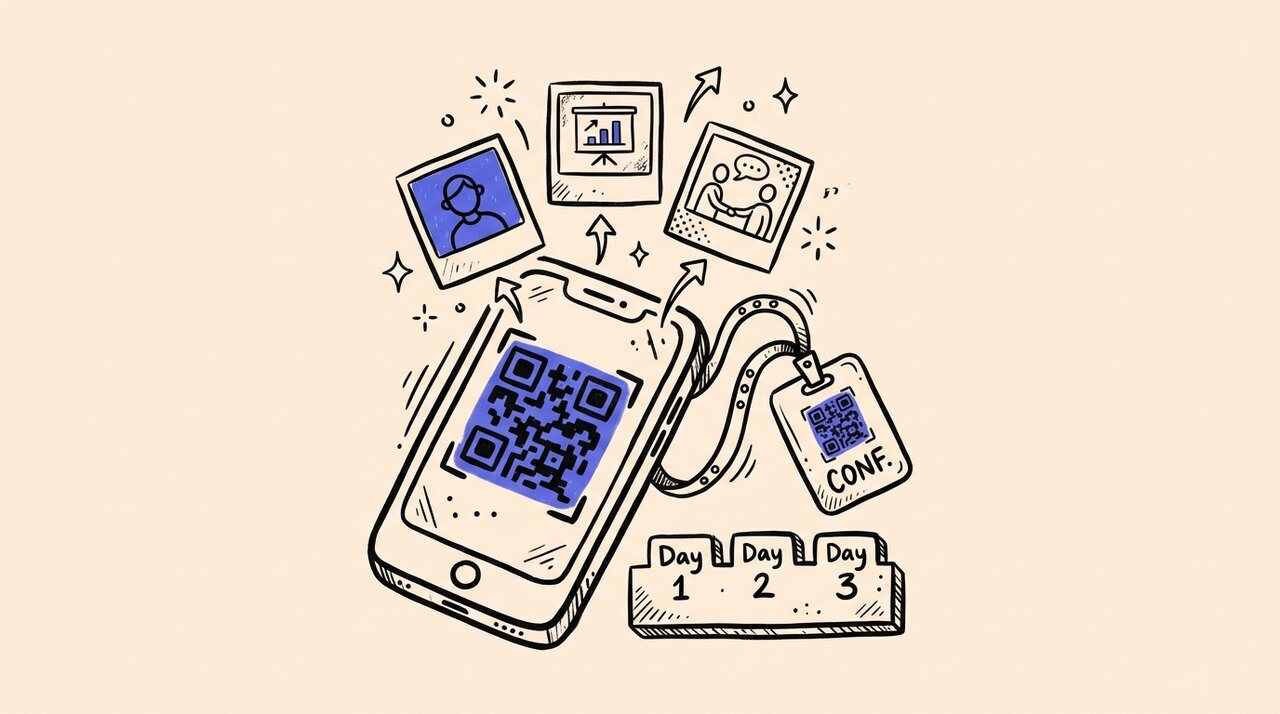
Short answer: Set up one shared upload page that attendees access by scanning a QR code. Keep it open across all event days so photos from keynotes, breakouts, and networking sessions land in a single gallery. Use moderation and tagging to organize photos by day or session, then download organized sets for your recap. Gather Shot is a photo sharing platform for events that handles all of this without requiring app downloads.
- One QR code gives every attendee instant access to upload from their browser
- No app download means higher participation from 200+ attendees
- Tag photos by day, session, or track to stay organized across a multi-day schedule
- Moderate uploads before they appear in the public gallery
- Keep uploads open for up to 60 days to capture late submissions
Who this is for (and not for)
This guide is for:
- Conference organizers running multi-day events with 200+ attendees
- Corporate event planners managing multiple sessions, tracks, and breakout rooms
- Internal comms teams collecting photos for post-conference recaps and newsletters
- Anyone who has tried collecting conference photos through email threads or shared drives and ended up with a mess
This is not for:
- Professional photographers delivering edited client galleries
- Small meetings under 20 people (a shared Google Photos album works fine for that)
- Virtual-only events with no in-person component
How to gather attendee photos across a multi-day conference
1. Create one central upload point for the whole event
Stop scattering photo collection across email threads, shared drives, and social media hashtags. Use a single upload page every attendee can access. With Gather Shot, attendees scan a QR code and upload from their browser . No app download, no account creation. This matters because asking 300+ attendees to install an app kills participation .
2. Place QR codes where photos actually happen
A single announcement on day one is not enough. Place QR codes everywhere photos naturally happen: registration desks, session rooms, expo floors, networking receptions, and the closing dinner. Print codes on table tents, signage, and lanyards. For trade show floors, photo challenges can drive even more engagement by giving attendees structured reasons to snap and upload.
3. Keep uploads open across the full event timeline
A three-day conference is not a four-hour party. You need your upload window open before the first session starts (for travel and setup photos), during every day of the event, and after the final session ends. Attendees often upload their best photos the evening after a long conference day, or even the week after when they finally go through their camera roll.
Gather Shot supports flexible upload schedules with windows open for up to 60 days, so you never miss late submissions.
4. Organize and moderate as photos come in
At a corporate conference, content moderation is not optional. Review every upload before it appears publicly . Tag photos by day, session, or track so you can download organized sets for sponsor reports and internal recaps. If your planning team is spread across locations, invite co-hosts to share moderation duties in real time.
How Gather Shot fits a multi-day conference
Gather Shot is a photo sharing platform for events built for this scenario. Here is how each feature maps to conference needs:
- QR code uploads : Attendees upload from their phone browser. No app, no login.
- Smart Media Management : Moderate, tag by session, and download filtered ZIP bundles.
- Branded Event Pages : Match the upload page to your conference branding.
- Flexible Upload Schedules : Keep the gallery open across all event days and weeks after.
- Team Collaboration : Add co-hosts to share moderation duties.
- Privacy & Security : Anonymous uploads reduce friction. Moderation protects brand standards.
- Live Slideshow Display : Show approved photos on lobby screens or reception monitors in real time.
For expo floors, Interactive Scavenger Hunts create photo challenges that guide attendees to specific booths. This works as a networking icebreaker and gives sponsors measurable engagement data.
Gather Shot complements professional conference photography. Your photographer captures stage moments and speaker headshots. Gather Shot captures the rest: hallway conversations, group selfies, breakout room whiteboards, and after-hours dinners. Together, they deliver complete event coverage .
Frequently asked questions
What is the easiest way to collect attendee photos at a conference?
Use a QR code that links to a browser-based upload page. Attendees scan with their phone camera, select photos, and upload in under 30 seconds. No app download or account creation required. This is the approach with the highest participation rates across event types .
How do I gather photos from a multi-day event without asking attendees to download an app?
Gather Shot runs entirely in the browser. Attendees scan a QR code and upload directly from their phone’s camera. The same QR code works across all event days, so attendees can return and upload more photos throughout the conference.
How can I organize conference photos by day, session, or track?
Use custom tags in Gather Shot’s media management dashboard . Create tags like “Day 1,” “Keynote,” or “Closing Dinner,” then filter and download organized ZIP bundles based on those tags.
How long should I keep photo uploads open after a conference ends?
At least two weeks. Many attendees go through their camera rolls days after the event. Gather Shot supports upload windows up to 60 days , giving you plenty of buffer for late submissions.
Can I show attendee photos live on screens during a conference?
Yes. Gather Shot includes a live slideshow feature that displays approved photos on any screen with a browser. Open the slideshow URL on a lobby TV, projector, or tablet. New photos appear automatically as they are approved. This works well during networking receptions and closing parties.
Summary and next steps
Set up one QR-based upload page, place codes throughout your venue, keep the window open across all event days, and organize with tags as photos come in. Gather Shot handles each of these steps without requiring app downloads. Create your event and start collecting photos for free .
For a broader comparison of methods, see our guide on the best ways to collect event photos from guests . If you are planning branded content capture for sponsor deliverables, that guide covers the UGC angle in detail.
Written by
Gather Shot TeamThe Gather Shot team writes guides, planning resources, and product updates that help event hosts and photographers collect guest photos without asking anyone to download an app.
Related articles
Sponsor Activations That Work at B2B Conferences
Six B2B conference sponsor activations that attendees find useful, not gimmicky. Includes a planning checklist, ROI benchmarks, and photo sharing tips.
Mar 30, 2026·15 min read
How to Host a Networking Session That People Actually Enjoy
Practical tips for hosting engaging conference networking sessions. Use name tags, conversation prompts, and photo sharing to help attendees connect.
Jan 6, 2026·6 min read
Trade Show Engagement: Photo Challenges That Work
Drive trade show engagement with photo-based booth challenges. Learn how QR codes and scavenger hunts help exhibitors start conversations and organizers prove ROI.
Dec 16, 2025·4 min read