How to Collect UGC at Private Events, No App Required
Collect UGC at private events without public hashtags. Use QR uploads, consent, custom fields, prompts, and moderation to build a private gallery fast.
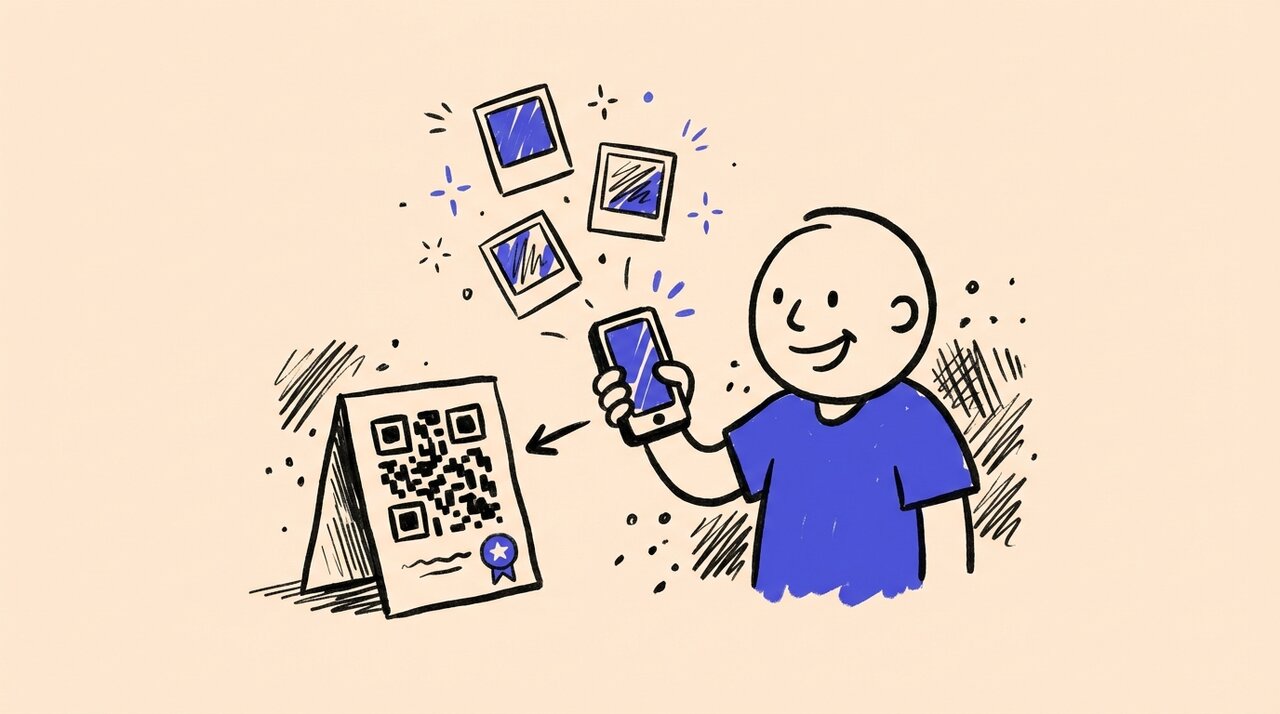
Short answer: To collect UGC at private events, do not depend on public hashtags or social posts. Give attendees a QR code that opens a private, browser-based upload page. Add consent when you need permission to reuse photos, use custom fields when you need attendee context, and moderate submissions before anything appears in a shared gallery.
- Use QR codes so guests can upload directly from their phones
- Avoid public hashtags when the event is invite-only, internal, or sensitive
- Add consent and email capture when photo reuse matters
- Use custom fields for company, department, table, session, or sponsor context
- Moderate uploads before they appear in a gallery, slideshow, or recap
- Keep uploads open after the event so camera-roll photos still make it in
Who this is for (and not for)
This guide is for:
- Event marketers running private brand activations, product launches, or trade shows
- Corporate teams organizing invite-only conferences, customer dinners, VIP receptions, or internal offsites
- Brand activation managers who need organized attendee content without asking guests to post publicly
- Sponsors who want logo visibility and controlled media from events
- Marketing teams looking for usable photos after the event, not just social buzz during it
This guide is NOT for:
- Very small gatherings where a group text thread is enough
- Teams looking for professional photography services
- Events where attendees should not be photographed or asked to contribute media
- Teams that need formal legal advice before collecting photo releases
Private event UGC is different from public social UGC
At a public festival or creator campaign, asking people to post with a hashtag can make sense. At a private event, it often falls apart.
Some attendees have private accounts. Some do not want to post from a work event. Some moments are meant for an internal recap, sponsor report, sales follow-up, or employee newsletter, not a public feed. If the content matters after the event, you need a collection path that does not depend on public posting.
That is why private event UGC should start with direct upload. Guests can still take photos naturally, but instead of posting them publicly, they scan a QR code and send photos into a gallery your team controls. This gives you a more complete set of attendee photos and a clearer workflow for review, organization, and reuse.
For teams still comparing software categories, our guide to the best UGC tools for events breaks down direct upload, social walls, social capture, and booth-based tools.
Why branded UGC matters
When guests take photos at your event and share them, you get a view your official photographer may miss. Someone testing a product at a demo station, reacting to a keynote, laughing with a customer success manager, or standing with a sponsor logo in the background. Those moments feel useful because they come from the attendee perspective.
The problem is collecting it. Guests take great photos all the time. They just don’t send them to you. Life gets busy, the moment passes, and those shots stay buried in camera rolls forever. You need tools that remove the friction.
The simple approach: no app, no signup
If you want photo sharing to actually happen, you have to meet people where they are. That means their phone, their camera, their browser. Not some app they have to download. Not an account they have to create.
Gather Shot is a photo sharing platform for events built for exactly this. Guests scan a QR code, their camera opens, they take a photo and upload it . Done. No app store, no login screen, no “create an account to continue.”
You can put QR codes anywhere. Table tents, signage, the bar, the entrance, the product display. Every touchpoint becomes a photo opportunity. And because there’s zero friction, people actually use it.
The photos flow into a central gallery you control. You can moderate what appears , organize by prompt or category, and download everything in bulk when you need it.
For broader event photo setup advice, see our event photo collection guide . If you are planning a corporate gathering, the company events workflow shows how Gather Shot fits internal celebrations, offsites, and customer-facing events.
Build trust before you ask for photos
For private events, the upload flow should answer three questions for guests:
- Where are my photos going?
- Who can see them?
- How might they be used?
Keep the language simple on your signage and upload page. For example: “Scan to add photos to the private event gallery. Approved photos may be used in our internal recap.” That one sentence tells guests the gallery is private, explains the review step, and sets expectations for reuse.
If your team needs a clearer record of permission, use guest consent and email capture . Guests can accept your consent text before uploading, and each acceptance is tied to a verified email, timestamp, and consent version. If you need extra context, custom guest data can collect details like company, department, table number, sponsor, or session before uploads begin.
Gather Shot’s privacy and security controls also help keep the flow appropriate for private events. Guests can upload without creating accounts, and hosts decide what appears in the shared gallery. This is not a replacement for legal advice, but it is stronger than hoping a hashtag implies permission.
A simple private-event UGC plan
The easiest way to collect UGC at a private event is to plan the upload path before guests arrive. Treat photo collection like check-in, signage, or catering. It should be visible, intentional, and easy to understand.
Before the event
Create the event gallery, write a short welcome message, decide whether you need consent, and add your QR code to pre-event emails or printed materials. If the event has sponsors or sessions, create tags or custom fields that match how your team will use the photos later.
During the event
Place QR codes where guests already pause: registration, tables, bars, lounges, demo stations, sponsor booths, and exits. Use one clear ask at each location. “Upload your table photo” works better than a generic “share your experience.”
If you plan to show submissions on a screen, use a moderated display. Gather Shot’s live slideshow display shows approved uploads on any browser-connected screen, so the room can enjoy the gallery without surprises.
After the event
Keep uploads open for 48 to 72 hours so guests can add the photos they took but did not upload in the moment. For multi-day conferences or retreats, a longer upload window can work better. Gather Shot supports flexible upload schedules for this, which helps you catch camera-roll photos after travel, teardown, or sponsor follow-up.
Using scavenger hunts to get specific content
Random UGC is fine, but what if you could guide people toward the exact shots you need?
That’s what scavenger hunts are for. Instead of hoping guests photograph your product, you prompt them to. “Snap a photo with our logo in the background.” “Show us your favorite item from the demo table.” “Capture your team trying the new flavor.”
Each prompt is a mini creative brief. You’re telling guests what would make a great photo, and they’re motivated to find it because the game format makes it fun. You can create up to 15 prompts covering product shots, logo visibility, interaction moments, and candid reactions.
For more ideas on setting up photo challenges, check out our guide on guest photo games and scavenger hunts .
Prompt ideas for private events
The best prompts are tied to business outcomes, not vague requests for content. Ask for the photos your team will actually use in a recap, sponsor report, sales follow-up, or internal newsletter.
Customer dinner
- Share your favorite table moment
- Capture the best dish or toast of the night
- Upload a photo with your host team
Company offsite
- Show your team solving the challenge
- Capture a candid collaboration moment
- Share your favorite speaker takeaway
VIP product launch
- Photograph the first hands-on demo
- Show the detail you noticed first
- Capture your reaction to the reveal
Sponsor lounge
- Take a photo at the sponsor wall
- Share your favorite activation moment
- Upload a group photo before you leave
If your event is a public-facing activation rather than a private gathering, read our guide to brand activation photo sharing for photo booth alternatives, sponsor prompts, and QR-code placement ideas.
Keep your brand front and center
When guests scan your QR code, they should land on a page that feels like your brand, not some generic upload form.
Branded event pages let you customize colors, logos, and messaging so every touchpoint stays on-brand. When someone shares a link from your gallery, the social preview pulls in your branding too.
For sponsors, this is huge. They want to know their brand is visible and controlled. With moderation tools and branded pages, you can promise that and actually deliver.
Frequently asked questions
How do I collect UGC at a private event without asking guests to post publicly?
Use a QR code that links to a private upload page. Guests upload from their browser, and your team reviews submissions in one gallery instead of chasing public posts across social platforms.
What is the best way to handle consent for private event UGC?
Tell guests what you are collecting and how photos may be used. If you need a record of permission, use a consent step before upload so each acceptance is tied to a verified email and timestamp. Ask your legal team for the right consent language for your event.
Can we collect UGC from attendees who have private social accounts?
Yes. Direct upload works even when guests do not post publicly. They can submit photos from their camera roll without using Instagram, TikTok, LinkedIn, or a public hashtag.
How do we know who submitted each photo?
If you need identity or context, add guest consent, email verification, or custom fields before upload. You can collect details like company, department, session, or table number depending on the event.
How do I collect UGC from event attendees without an app?
Use a QR code that links to a web-based upload page. Guests scan with their phone camera, take a photo, and submit it through their browser. No app download or account required.
What types of UGC prompts work best at events?
Prompts that are specific and achievable work best. “Photo with our logo,” “selfie at the demo station,” or “your favorite product on display” give guests clear direction while staying fun.
How do I keep UGC on-brand at a sponsored event?
Use branded upload pages with your colors and logo, moderate submissions before they go public, and provide prompts that guide guests toward the visuals you need.
Can I organize UGC by category or prompt?
Yes. When you use scavenger hunt prompts, photos are automatically organized by prompt. You can also tag and sort submissions in your gallery.
How do I share the collected photos with my team or sponsors?
Download everything in bulk from your gallery. You can also share a link to the gallery so stakeholders can view and download what they need.
The bottom line
Private event UGC works best when guests know where their photos are going, your team can review what gets shared, and the upload flow takes seconds. The key is removing friction without giving up control: no app downloads, no account creation, no public hashtag required. Use QR codes, a branded upload page, consent when needed, custom fields when context matters, and optional scavenger hunts to guide the content you collect.
For more on pairing attendee submissions with professional event photography, explore our corporate event photography guide . See how Gather Shot supports company events from capture to follow-up.
Create your free event and start collecting private event UGC with a QR code, a controlled gallery, and no app download for guests.
Written by
Gather Shot TeamThe Gather Shot team writes guides, planning resources, and product updates that help event hosts and photographers collect guest photos without asking anyone to download an app.
Related articles
More practical guides selected from the same event photo sharing topics.
Brand Activation Photo Sharing: Turn Guests into Micro-Creators
Brand activation photo sharing lets you skip the photo booth. Use QR codes and scavenger hunts to capture organized, on-brand UGC sponsors can use.
Nov 22·5 min read
Halloween Photo Scavenger Hunt: 30 Prompts
Plan a Halloween photo scavenger hunt with 30 prompts for parties, offices, and neighborhoods, plus setup, safety, team formats, awards, and QR sharing.
Aug 17·13 min read
Company Picnic Ideas for Employees and Families
Use these company picnic ideas to plan family-friendly food, games, team bonding, and photo moments without overloading employees or your planning team.
Jul 2·8 min read