How to Run and Host an AI Workshop for Your Team
Use this AI workshop for your team checklist to plan the agenda, pick tools, run hands-on exercises, and turn one session into repeatable team workflows.
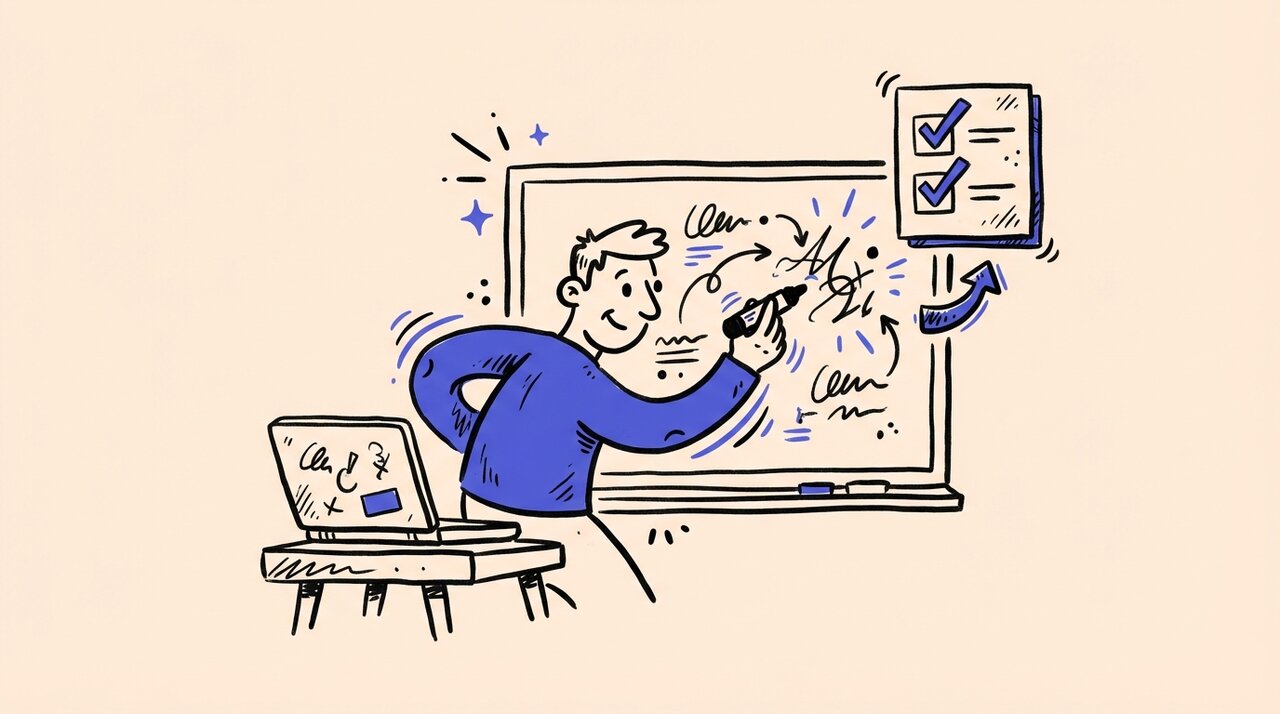
Short answer: Run the workshop around 2 to 3 recurring tasks, one approved tool stack, one clear data policy, and a follow-up plan. Give people live practice on their own work, capture photos of whiteboards and group work in one place, and make managers ask for one real example the following week.
- Pick recurring tasks instead of broad AI topics
- Teach one default workflow per role so people can repeat it tomorrow
- Set data rules in the first 10 minutes, not after someone pastes sensitive material
- End with templates, owners, and a 2-week follow-up so the session changes habits
Who this is for (and not for)
This guide is for leaders who want an internal AI workshop that changes daily work, not just an afternoon of demos. It fits founders, team leads, operations managers, enablement leads, and engineering managers running mixed sessions for marketing, operations, support, product, or software teams. It is not for a machine learning bootcamp or a giant tool comparison.
This guide is for:
- Team leads who want better first drafts, summaries, analysis, or code reviews
- Founders trying to standardize AI use without creating tool chaos
- Managers running a hands-on workshop for mixed technical and non-technical groups
- Internal enablement or ops teams building a repeatable training format
This guide is not for:
- Teams looking for advanced ML, fine-tuning, or model evaluation training
- Security-heavy rollouts that need a full legal, compliance, and procurement workstream first
- Workshops built around novelty prompts instead of recurring work
What a useful AI workshop should actually change
The point of an AI workshop for your team is to change recurring work next week. Good workshops create a few repeatable workflows, define what tools are approved, and make review rules explicit. If everyone leaves able to name one task they will change, one approved tool, and one review rule, the session worked.
How to run an AI workshop for your team
If you want the simplest version of an AI workshop for your team, use this sequence.
- Choose 2 to 3 recurring tasks that already matter to the team.
- Lock the tool stack and data policy before the workshop begins.
- Prepare sanitized examples, logins, and one live task per attendee.
- Run one live demo, then give the room hands-on time to test the workflow.
- End with saved templates, clear owners, and a short follow-up review.
That sequence is simple on purpose. Most teams do not need a bigger framework. They need a workshop that turns curiosity into repeatable habits and manager follow-through.
What to prep before the session
Keep the prep grounded in recurring work. Pick 2 to 3 tasks your team does every week, create sanitized examples, and make sure people can see their own work in the exercise.
For an in-person or hybrid session, Gather Shot can handle the visual recap. Gather Shot is a photo sharing platform for events, so you can put a QR code on the welcome slide and let attendees upload whiteboard photos, breakout-note photos, and team photos to one shared gallery. No app is required.
Use this prep checklist:
- Pick 2 to 3 high-frequency workflows the team already does
- Choose the approved tools for the session before anyone joins the room
- Write a simple data policy for the workshop, including what must stay out of public tools
- Prepare sanitized examples from real internal work
- Ask each attendee to bring one live task they want to improve
- Confirm logins, seats, extensions, and local setup before the workshop starts
- Print or share a one-page handout with prompts, review rules, and resource links
- If the workshop is in person, set up Gather Shot so attendees can upload photos of whiteboards and breakout work in one place
If you are also tightening the event mechanics, our sales kickoff agenda template is a useful reminder that an internal event needs a real run of show, not just a topic list.
AI Workshop Agenda Checklist
This sample agenda works well for a 90-minute internal session.
- 0:00 to 0:10. Set the goal and guardrails. Explain the outcomes you want from the workshop, which tools are approved, and what data is safe to use. Share the workshop brief and access instructions.
- 0:10 to 0:20. Show the current workflow. Walk through one real task the team handles today without AI. Use messy notes, a draft, or a bug report so the baseline feels real.
- 0:20 to 0:35. Run a live demo. Show a better workflow with one approved tool. Use one sample input and one finished output so people can see the difference clearly.
- 0:35 to 0:50. Give people hands-on time. Have attendees try the workflow on their own example or a prepared sample. Use a prompt template and facilitator support to keep the room moving.
- 0:50 to 1:00. Split into role-based breakouts. Put technical and non-technical attendees into separate tracks so each group sees the most useful version for their work.
- 1:00 to 1:10. Choose the default tools. Agree on which tools the team should start with, which ones are optional, and where extra approval is needed. Use a simple tool matrix.
- 1:10 to 1:20. Build the team playbook. Save the best prompts, review rules, and examples into one shared document the team can reuse.
- 1:20 to 1:30. End with next steps. Ask each attendee to commit to one workflow they will use this week. Confirm the follow-up owner and where the recap will live.
Hands-On Activities That Teach Useful Habits
Pick 2 or 3 activities and do them well. Do not try to cram six tools and ten exercises into one session.
Turn rough notes into a decision summary
Give people a rough notes dump from a meeting, a Slack thread, or a brainstorm, then ask for a clean summary with decisions, open questions, and next steps. The lesson is structure plus review.
Rewrite a messy process into an SOP
Start with a process that exists only in someone’s head or in scattered bullet points, then turn it into a simple SOP with edge cases and approval steps. This works well for operations, support, HR, and enablement teams.
Ship one tiny coding task with review
For engineering teams, keep the exercise small. A test addition, a bug fix, a doc update, or a narrow refactor is enough. Run it in a coding tool, inspect the diff, and review what the agent changed.
Which AI Tools Should You Include in 2026?
The most common workshop mistake is trying to teach too many tools. Teach one default chat tool, one coding tool for software teams, and one private or open-source option if policy requires it.
Here is a practical way to frame the stack:
| Tool | Best for | Good workshop use | Watch-outs |
|---|---|---|---|
| ChatGPT | Broad knowledge work | Summaries, drafting, analysis, planning | Needs clear review standards and data rules |
| Claude Code | Terminal-first engineering teams | Multi-file code changes, debugging, repo work | Powerful enough that approval and review policies matter |
| Cursor | IDE-based engineering workflows | Pair-programming style edits and code exploration | Easy to overuse if the team skips tests and review |
| Codex | Background coding tasks and agentic coding workflows | Well-scoped implementation work and coding playbooks | Best when tasks are clearly scoped and reviewable |
| Amp | Shared, threaded coding workflows | Team-visible agent work, reusable prompts, repo context | Requires the team to agree on thread hygiene and review habits |
| OpenClaw | Broader autonomous agents | Advanced automation demos | Higher approval and security risk |
| Ollama + Open WebUI | Local or privacy-sensitive pilots | Private internal demos | More setup than hosted tools |
Useful Resources to Send After the Workshop
Use these after the workshop so the session becomes a starting point, not a one-off event.
- OpenAI Academy’s ChatGPT 101 guide for non-technical users who need a structured intro
- Claude Code overview and Anthropic Academy for engineering teams and broader AI fluency
- OpenAI Codex docs and the Codex Prompting Guide for agentic coding teams
- Cursor Learn , Amp manual , and OpenClaw GitHub for editor-native, shared-thread, and advanced agent workflows
- Ollama docs with Open WebUI docs for private or local deployments
How Gather Shot Fits Into This
Gather Shot is a photo sharing platform for events. In an AI workshop, Gather Shot is a simple way to capture the parts of an in-person session that usually get lost.
Put a Gather Shot QR code on the welcome slide, on table tents, or at each breakout station. Attendees can upload whiteboard photos, breakout recap board photos, and team photos from their browser. No app is required. Effortless Event Photo Collection handles the QR upload flow, while Smart Media Management and Team Collaboration help organizers review and manage the gallery.
This is especially useful for hybrid workshops, internal offsites, team training days, and company events where people are already taking photos of the room. If your workshop is fully virtual, Gather Shot is optional. If you want to see the setup flow, start with How Gather Shot works or our company events use case page .
Frequently Asked Questions
How long should an internal AI workshop be?
For most teams, 90 minutes is enough. If you want separate technical and non-technical tracks, 2 hours works better.
Should technical and non-technical teams attend the same AI workshop?
They can share the opening, guardrails, and closing. The hands-on section usually works better as a split track.
What should people do before the workshop starts?
Give them the approved tool list, the data policy, and one instruction: bring a real task they want to improve.
How do we handle confidential information during the workshop?
Decide that before the session starts. Be explicit about what can go into a hosted tool, what must be redacted, and when to use a private or local option instead.
Which tools should we teach first?
Start with one default tool for broad knowledge work and one coding tool for engineers. Add advanced tools only if they match real workflows your team will use.
How do we know whether the workshop worked?
Ask each attendee to use AI on one recurring task within 7 days, then review real examples.
Is Gather Shot actually useful for an AI workshop?
Yes, if the session is in person or hybrid and you want one place for whiteboards, breakout photos, and recap images.
Summary and Next Steps
The best AI workshop for your team is the one that makes next week’s work better. Pick a few recurring tasks, teach one default workflow for each audience, keep the tool list narrow, and follow up after the session.
If you want the training day to feel organized and reusable, document the playbook, save the prompts, and keep the review rules simple. If the session is in person, use Gather Shot to collect photos of whiteboards, breakout recap boards, and team moments in one place.
When you are ready to run the event, start with one agenda, one playbook, and one capture flow. For the photo-sharing side, set up a Gather Shot gallery so your team can upload workshop photos and recap images without chasing files after the room clears.
Written by
Gather Shot TeamThe Gather Shot team writes guides, planning resources, and product updates that help event hosts and photographers collect guest photos without asking anyone to download an app.
Related articles
Best Leadership Summit Ideas for Managers
Plan a leadership summit that drives real decisions. Get session formats, a 2-day agenda checklist, and photo documentation tips for manager summits in 2026.
Mar 29, 2026·16 min read
Sales Kickoff Agenda Template and Planning Checklist
Use this sales kickoff agenda template to build your SKO run of show, pace sessions, prep speakers, and plan a sharper 2026 kickoff from open to recap.
Mar 29, 2026·7 min read
Earth Day Volunteer Event Ideas for Work, School, Community
Plan an Earth Day volunteer event for your company, school, or community group. Compare practical ideas, timelines, and easy ways to share impact photos.
Mar 28, 2026·13 min read