How to Collect Memorial Photos from Family and Friends
Collect memorial photos from family with one upload link. Set slideshow and archive deadlines, preserve names and dates, and keep a private family backup.
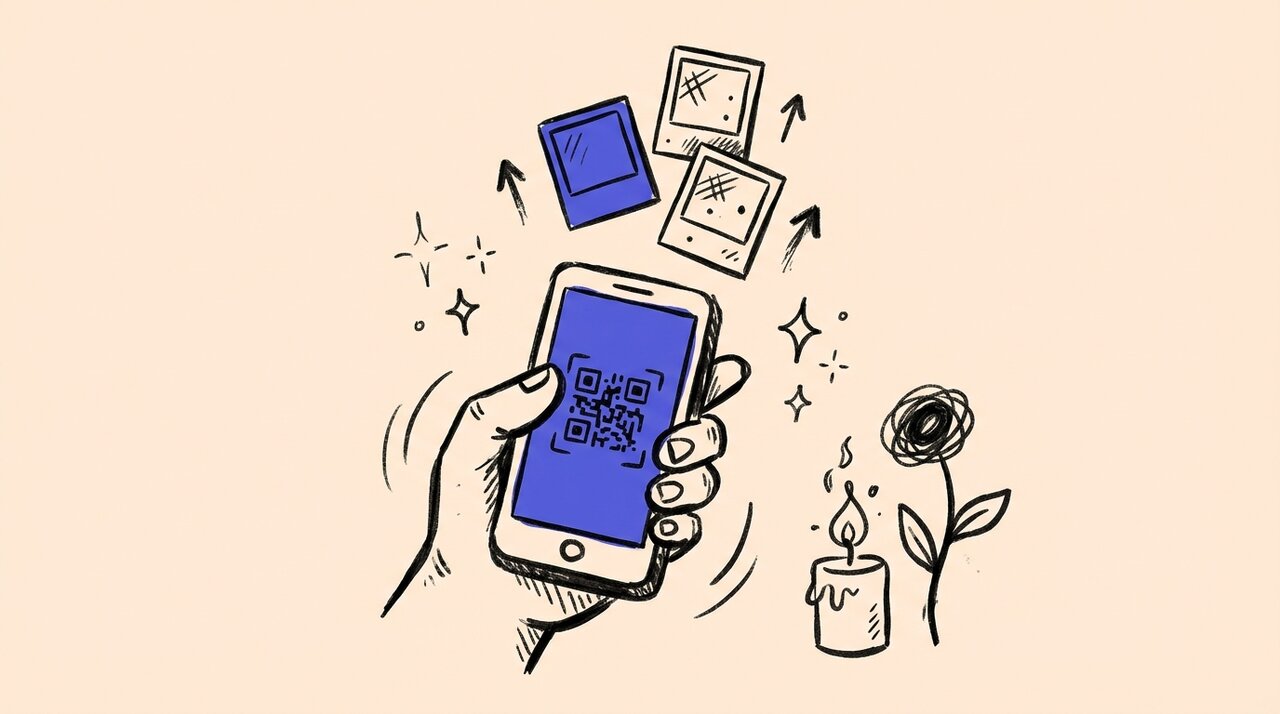
Short answer: Create a shared upload page with a QR code, then text or email the link to family members. Everyone uploads their photos directly from their phone. No app downloads, no group chat chaos.
- Set up a single collection point instead of chasing individual photos
- Share via text, email, or printed QR codes at the service
- Download all photos in one batch when you are ready to build the slideshow
Who This Is For
This approach works well if you are:
- Organizing a memorial service on short notice
- Coordinating with family members in different locations
- Building a slideshow and need photos from multiple decades
- Not tech-savvy and want something simple
This is not ideal if you only need photos from one or two people. A simple text message works fine for small requests.
The Problem with Group Chats and Email
When someone passes, family members often start sharing photos in group texts or email chains. This creates problems:
- Photos get compressed and lose quality
- Videos fail to send or get cut off
- You spend hours downloading files one by one
- Duplicates pile up with no organization
You need a central place where everyone can contribute without the chaos.
How to Collect Photos Quickly
Step 1: Create an upload page. Use a tool like Gather Shot to set up a dedicated photo collection page. You get a unique link and QR code in minutes.
Step 2: Share the link. Text or email the link to family members. Include a brief message explaining what you need. For example: “We are collecting photos of Dad for the memorial slideshow. Please upload any favorites here.”
Step 3: Print QR codes for the service. Place printed QR codes on tables at the memorial. Guests can scan and upload photos directly from their phones. No app required.
Step 4: Download and check the files. Download ZIP bundles from the host dashboard, extract them and open the photos and videos you intend to use. Build the tribute in your chosen slideshow editor. A collection page does not automatically create an edited memorial film.
Set Separate Slideshow and Family Archive Deadlines
Choose one trusted relative to coordinate the collection and another to help if needed. Give people a short request rather than asking them to sort every photograph they own. For example, ask for three to five favorites showing different stages of the person’s life. This is a suggested starting point, not a limit people must meet.
We are collecting photos of [name] for a tribute at [service]. If you would like to contribute, please add a few favorites at [link] by [slideshow deadline]. You can still contribute to the family collection until [later deadline]. Please send names, approximate dates and any restrictions to [organizer]. The collection will be shared with [audience]. There is no obligation to contribute.
Set the slideshow deadline early enough for a family review and a playback test at the venue. Keep a separate later deadline for relatives who need to find albums or arrange scans. Gather Shot has a standard upload limit of 90 days. The actual closing date depends on the opening time, duration, and plan limit, so check your event settings before promising a deadline. It is not an indefinitely open archive.
For paper photos, scan them if possible. Otherwise, photograph the print flat in even light without flash glare, making sure all edges are visible. Keep the original scan or camera file rather than only a screenshot or a copy forwarded through several chats. Offer a private handoff to the coordinator for relatives who prefer help, and return borrowed prints promptly.
Preserve Context and Respect Family Wishes
Keep a simple spreadsheet alongside the downloaded files. Record the filename, contributor, people pictured, approximate date or decade, location if appropriate, and any limits on sharing. Ask for that context by email or another agreed route. Do not assume it is embedded in an uploaded photo or that Gather Shot creates an archival catalogue automatically.
Use a family reviewer to check identities and sensitive material before the service. Someone may be comfortable with a photo in a small family album but not on a public memorial page. Check permission for reuse, including professional photographs, and do not assume an upload grants publication rights. Avoid pressuring people to contribute during grief. Provide a named contact for corrections or removal requests.
After the service, send one gentle reminder for the family archive, not repeated requests. Download the final collection and keep originals separate from cropped slideshow copies. Open the files, check that videos play and keep a second copy in another location. Name a family custodian and agree who can receive copies. Basic and Pro include one year of Gather Shot storage, so preserve your own copies before that period ends.
Our event photo packs offer adaptable collection wording. For alternative collection routes, see ways to collect photos from guests . Choose the least demanding option for your family, including direct help from the coordinator.
How Gather Shot Helps
Gather Shot is a photo sharing platform for events. Guests scan a QR code or open a link and upload photos in their browser. No app download or guest account is required. Uploads need an internet connection, and optional consent settings can require email verification.
Enable approval before public gallery sharing if you want to screen photos first. Uploads are auto-approved by default. Keep gallery access limited to the intended family audience and test the guest view before sending invitations. Review duplicates and image quality yourself before selecting files for the tribute.
Frequently Asked Questions
Do family members need to download an app? No. Guests upload directly from their phone’s browser after scanning the QR code.
Can I collect videos too? Yes. Gather Shot supports both photos and videos, so you can include video memories in your tribute.
How long does setup take? Create an event, customize the page and check the upload window, visibility and approval settings. Test a guest upload before sharing the link. Allow time for that check rather than relying on a fixed setup time.
What if someone uploads something inappropriate? Turn on approval before public gallery sharing so pending uploads stay out of that gallery. Review submissions in the host dashboard. Guests can still see their own pending uploads.
Can people send memories after the service? Yes, while the configured upload window remains open. Send the same link with a clear closing date. Download a final copy afterward and preserve it separately from the event gallery.
Losing a loved one is hard enough. Collecting photos should not add stress. A simple upload page gives everyone a way to contribute, and gives you the materials you need to create a meaningful tribute. For more guidance on collecting photos from groups, see our event photo collection guide .
Written by
Gather Shot TeamThe Gather Shot team writes guides, planning resources, and product updates that help event hosts and photographers collect guest photos without asking anyone to download an app.
Related articles
More practical guides selected from the same event photo sharing topics.
A Memorial Photo Collection Started Before the Gathering
A memorial photo collection brought in hundreds of uploads, including files with older capture dates. Explore ways to gather pictures before your own gathering.
Oct 20 · 3 min read
Family Reunion Photo Sharing: Collect Every Memory with QR Codes
Set up family reunion photo sharing with one QR code, holiday photo prompts, help for relatives without smartphones, and clear rules for sharing family photos.
Dec 1 · 8 min read
5 Ways to Bring Family Together This Spring
Simple spring gathering ideas that create real connections. From storytelling circles to outdoor adventures, here's how to make family time meaningful.
Jan 6 · 4 min read