Set Up the Album
Customize the welcome message, choose your colors, and optionally add up to 50 scavenger hunt prompts. Setup takes about two minutes.
Share one QR code for the whole trip. Friends upload photos and videos from any phone browser, with no app download or guest account, and everything they share lands in one private gallery.
Want to get more of the group contributing? Add up to 50 scavenger hunt prompts. Friends track their progress while each submission stays organized by prompt in the same album.
Gallery privacy controls • No app or guest account • No credit card required
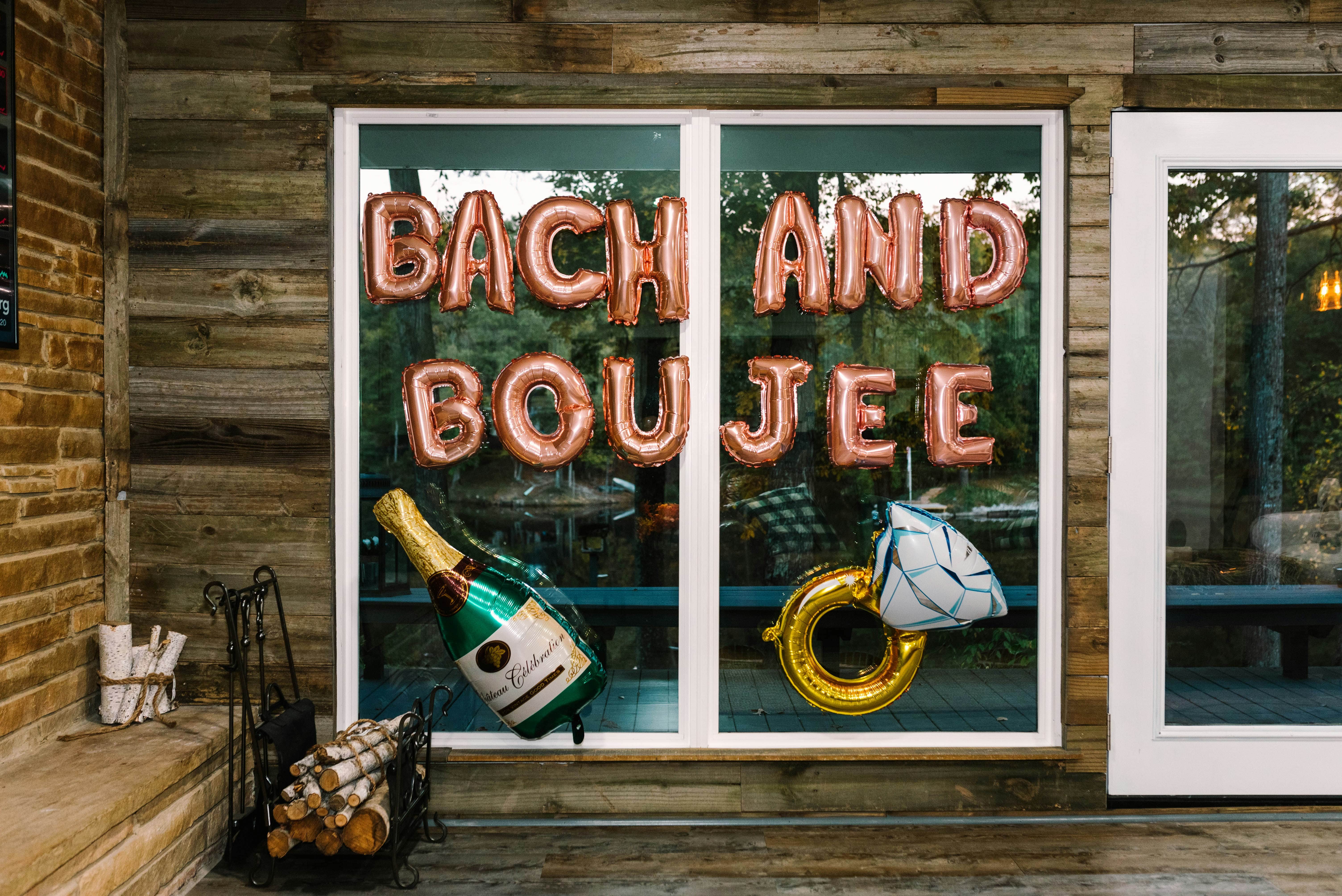
Set up the private gallery before the trip, then keep the same code in the group chat, welcome bags, and rental so everyone knows where to add photos.
Customize the welcome message, choose your colors, and optionally add up to 50 scavenger hunt prompts. Setup takes about two minutes.
Drop the link in the group chat and add the QR code to welcome bags, the itinerary, or the rental fridge before the first night.
Reshare the link at arrivals, dinner, the main night out, and final brunch. Specific challenges give friends a reason to add more than posed group shots.
Approve what becomes visible, tag photos by day or activity, and download the original files or filtered ZIP bundles for the bride.
A shared link gives friends a place to upload. Gather Shot also gives them specific moments to capture, then gives the host control over what the group sees and how the final collection is organized.
Basic is $59.99 per event and includes up to 1,000 photo and video uploads. Pro is $99.99 per event, includes up to 5,000 uploads, and adds the scavenger hunt. The scavenger hunt is also available as a Basic add-on.
One-time payment • Unlimited guests • 1 year of storage
More guides, features, and event types to help you plan your bachelorette party.
Effortless Event Photo Collection
Guests scan a QR code to upload photos and videos through their browser. No app download or guest account is required.
Privacy & Security
Guests do not need to create accounts. Public Gallery is enabled by default; hosts can disable it or require approval before public display. Anonymous uploads are supported when optional consent and guest-data collection are not enabled.
Interactive Scavenger Hunts
Create photo challenges for your event. Guests open your QR code, choose a prompt and upload in their browser. You review the photos and run the game.
Bachelorette Party Planning
The easiest way to share bachelorette party photos privately is with a QR code gallery. Everyone uploads from their phone browser, the group keeps full-resolution photos and videos in one place, and nothing has to go on social media. Gather Shot works especially well for multi-day weekends with multiple stops.
Event Photo Collection
The easiest way to collect photos from an event is to use a QR code gallery. Guests scan the code, upload from any phone browser, and their photos go into one shared album. Gather Shot does this without app downloads, logins, or compressed image quality.
Bridal Shower
Capture every candid moment, reaction, and detail without chasing guests for pictures later. No apps to download, just a simple QR code.
Engagement Party
Collect all the photos and videos your guests take in one place.
Wedding
Share one QR code, let guests upload from their phone browser, and keep submissions together in one private gallery.
Set up the private gallery now, share the QR code before the first stop, and add scavenger hunt prompts whenever you are ready.
Free setup • No credit card required • One-time event pricing