Create Your Event
Name your event, choose your brand colors, and add a welcome message. Optionally create scavenger hunt prompts (Pro plan only) like "Find the auction prize" or "Photo with a board member" to boost engagement.
Attendees scan a QR code and upload photos instantly. No app downloads, no chasing people after the event. You get every photo organized in one private gallery, ready for donor recaps and board presentations.
Set up in minutes. Control who can upload and when. Enable moderation to review photos before they go live. Download everything in original quality for your annual report, stewardship materials, and sponsor deliverables.
No app required • No credit card to start • Gallery privacy controls • Original quality downloads
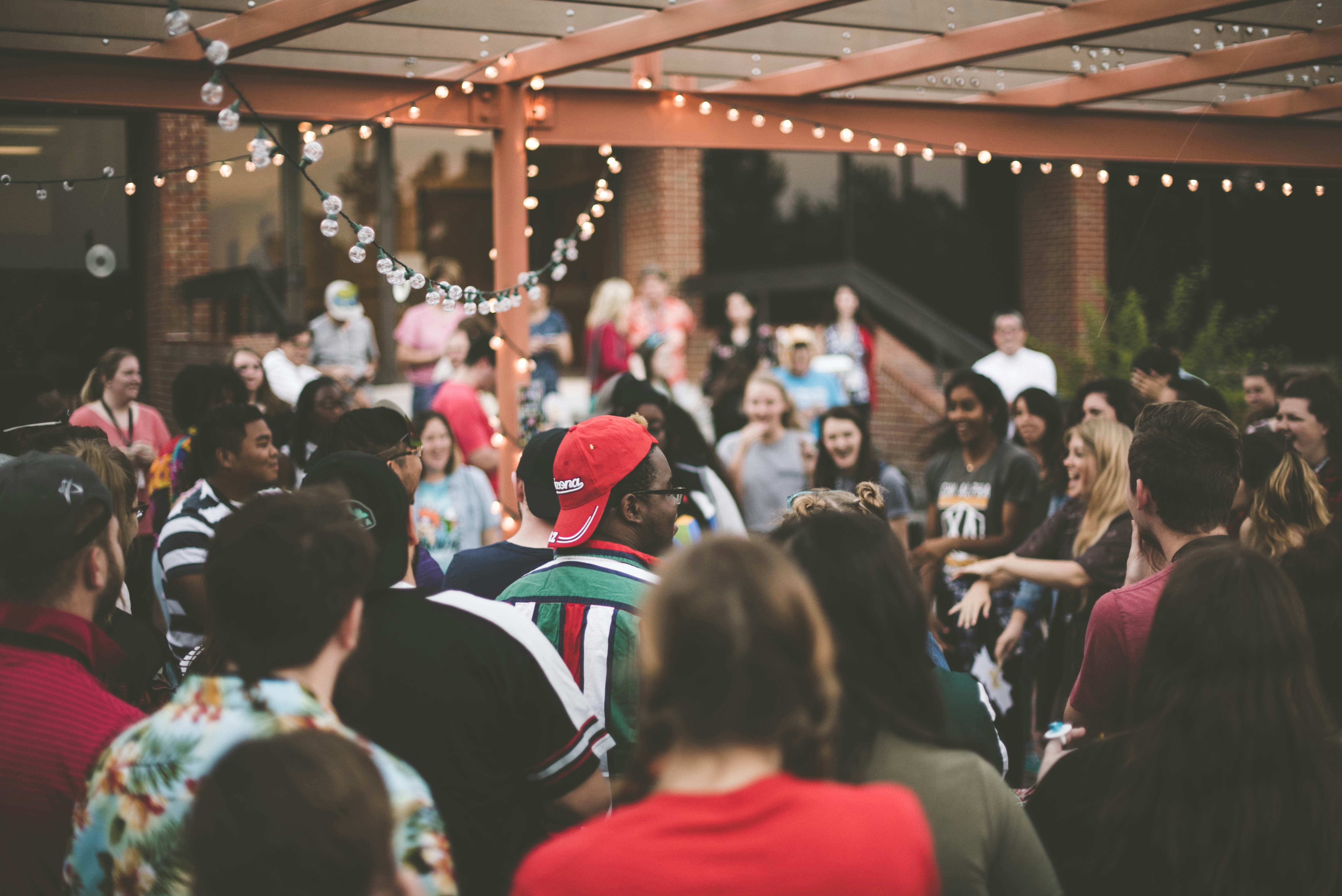
Set up in minutes. Attendees upload via QR code. You review and download original quality photos for donor recaps, board presentations, and annual reports.
Name your event, choose your brand colors, and add a welcome message. Optionally create scavenger hunt prompts (Pro plan only) like "Find the auction prize" or "Photo with a board member" to boost engagement.
Display your custom QR code at check in, on table cards, and throughout the venue. Attendees scan and upload instantly from their phone browser. No app required.
Donors, volunteers, and staff choose photos from their camera roll and upload. Set the opening and duration in your event schedule to include time for late submissions.
Approve, hide, or delete uploads. Tag photos by moment (ceremony, reception, sponsor booth). Download filtered bundles in original quality for your recap deck, stewardship materials, and annual report.
Stop chasing attendees for photos after your gala. Collect everything in one place, moderate what goes live, and download original quality images for your donor stewardship materials.
Choose the plan that fits your event size. Both include custom branding, moderation tools, and original quality downloads.
Guests never need an app or account to upload
More guides, features, and event types to help you plan your nonprofit fundraiser.
Effortless Event Photo Collection
Guests scan a QR code to upload photos and videos through their browser. No app download or guest account is required.
Smart Media Management
Gather Shot puts guest photo and video uploads in one dashboard. You decide what guests can see and can organize submissions with tags.
Privacy & Security
Guests do not need to create accounts. Public Gallery is enabled by default; hosts can disable it or require approval before public display. Anonymous uploads are supported when optional consent and guest-data collection are not enabled.
Wedding
Share one QR code, let guests upload from their phone browser, and keep submissions together in one private gallery.
Baby Shower
Guests scan one QR code and upload from any phone, so you get the candid family photos that usually stay stuck in other people's camera rolls.
Bridal Shower
Capture every candid moment, reaction, and detail without chasing guests for pictures later. No apps to download, just a simple QR code.
Set up your fundraiser gallery in minutes. Guests upload via QR code. You review, organize, and download original quality images for your donor recap materials.
No app required • No credit card to start • Set up in minutes